Awkwardness-Free Proximity Rules
A discreet way to set people-aware seating arrangements
Rule Setup Flow
Select 'Constraints' in the flow
Proceed through the seating setup, select the 'Constraints' step, and tap the '+' icon to open the rule creation screen.
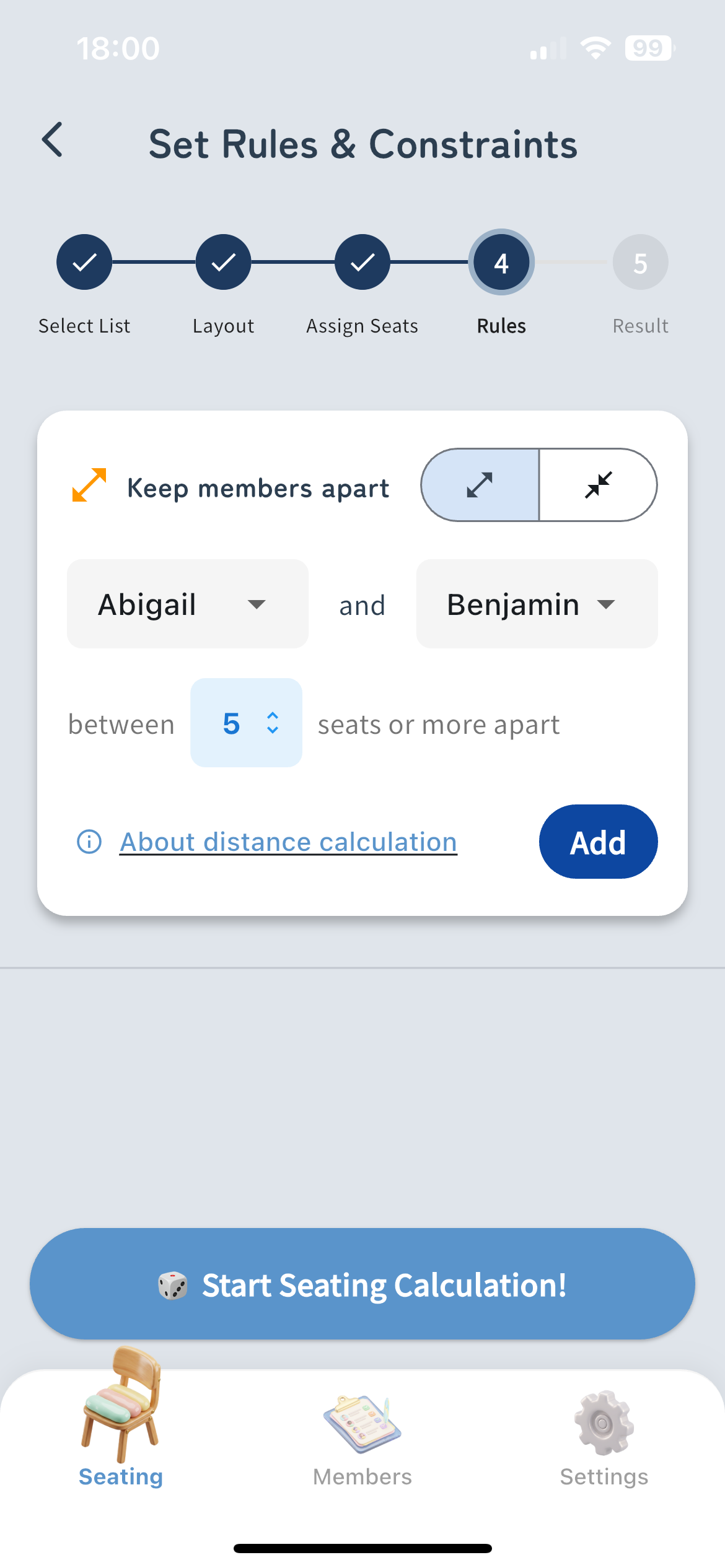
Screenshot of rule settings screen before adding a rule
Specify members and distance
Select the two members for the rule, and choose whether to keep them 'Separated' or 'Adjacent'. For 'Separated', you can also set the minimum distance.
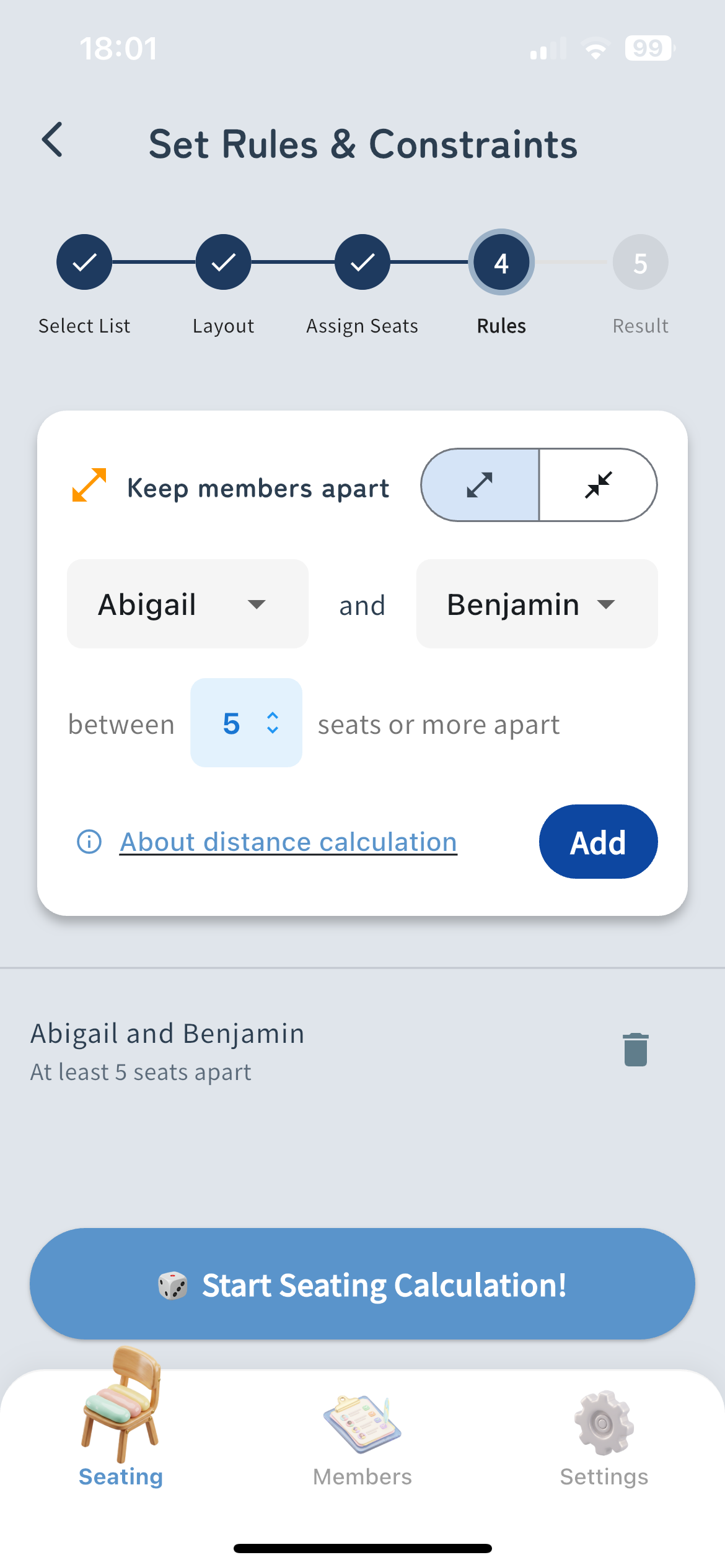
Screenshot of rule settings screen after adding a rule
Start Seating
Save your rules and tap the 'Start Seating' button. The system will automatically calculate the optimal seating arrangement based on your constraints.
How Distance is Calculated
About Manhattan Distance (Sum of horizontal and vertical moves)
Diagonal moves are not included in the calculation. The distance is calculated by the sum of moves up, down, left, and right.
Example of Distance 1
Distance Calculation
An immediately adjacent seat (1 square vertically or horizontally) has a distance of 1.
Example of Distance 2
Distance Calculation
A diagonally adjacent seat requires 1 horizontal move + 1 vertical move, resulting in a distance of 2.
Example of Distance 4
Distance Calculation
Moving 2 squares horizontally + 2 squares vertically results in a distance of 4.