🤝
어색함 방지 인접 규칙
인간관계를 배려한 좌석 배치를 몰래, 간단하게 설정하는 방법
규칙 설정 플로우
1
플로우에서 '제약 조건' 선택
자리 배치 설정을 진행하고 '제약 조건' 단계를 선택한 다음, '+' 아이콘을 탭하여 규칙 생성 화면을 엽니다.
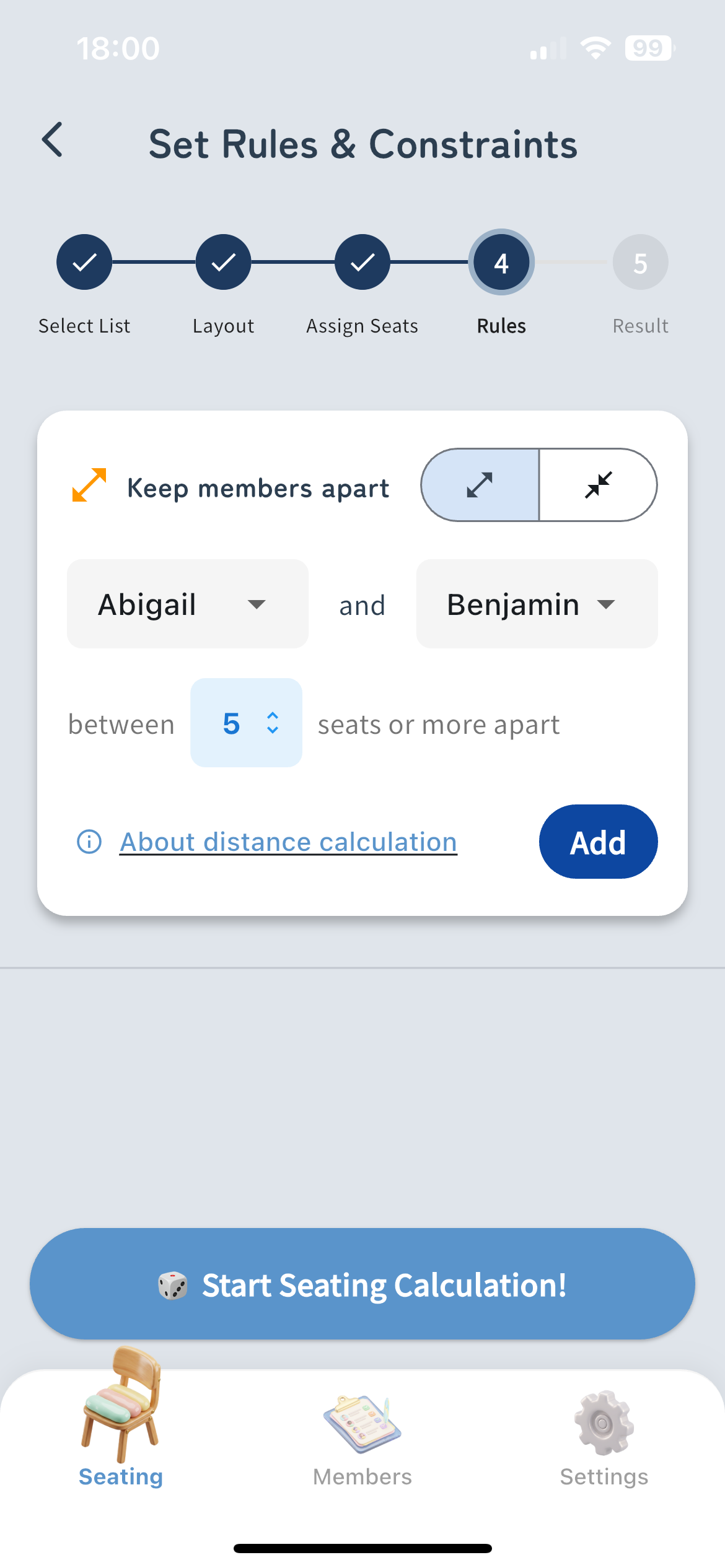
규칙 추가 전 설정 화면 스크린샷
2
대상 멤버 및 거리 지정
규칙을 적용할 두 멤버를 선택하고 '분리'할지 '인접'하게 할지 선택합니다. '분리'의 경우 최소 거리도 설정할 수 있습니다.
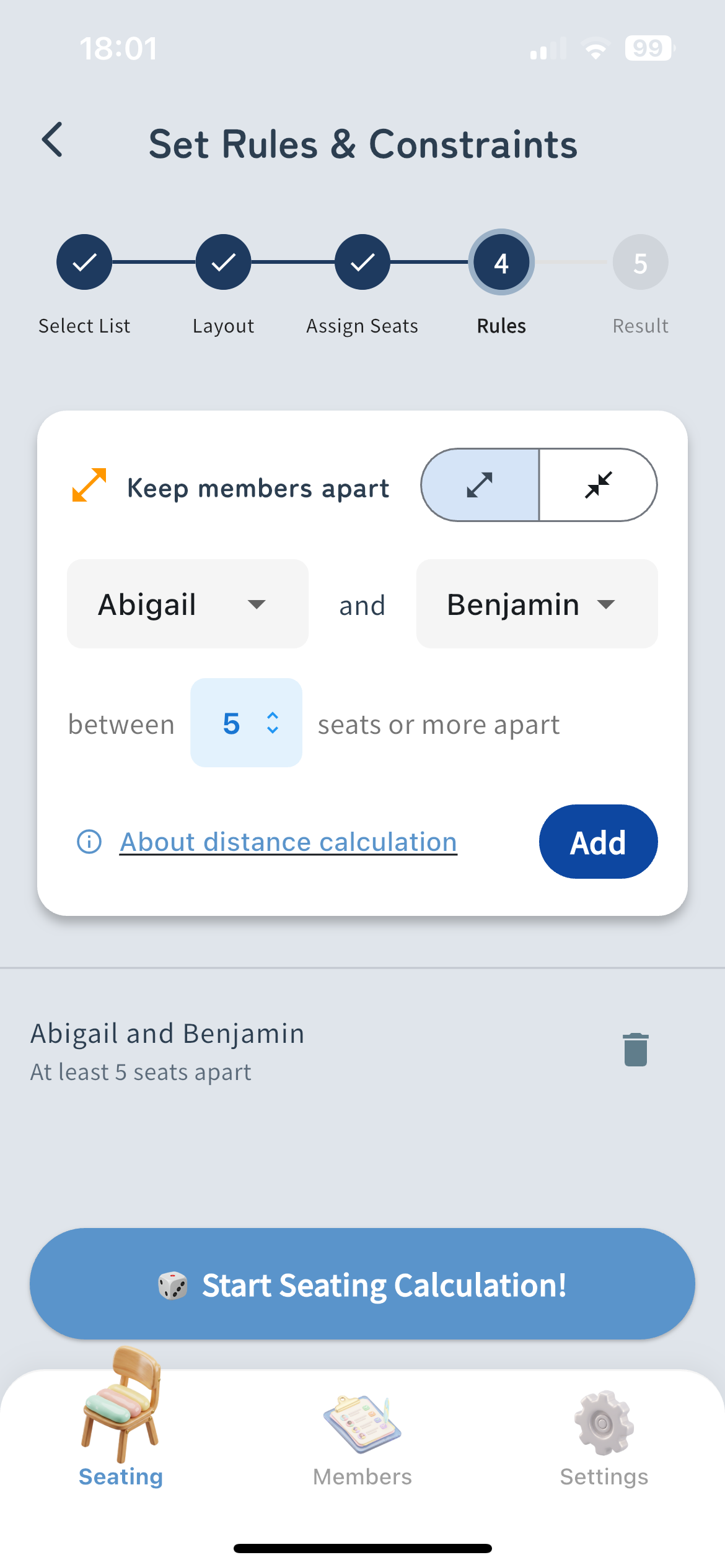
규칙 추가 후 설정 화면 스크린샷
3
자리 배치 시작
규칙을 저장하고 '자리 배치 시작' 버튼을 탭합니다. 시스템이 설정한 제약 조건을 바탕으로 최적의 자리 배치를 자동으로 계산합니다.
거리 계산 방식
About Manhattan Distance (Sum of horizontal and vertical moves)
Diagonal moves are not included in the calculation. The distance is calculated by the sum of moves up, down, left, and right.
Example of Distance 1
Blackboard
A
B
Distance Calculation
Horizontal Distance: 1
Vertical Distance: 0
Total Distance: 1
An immediately adjacent seat (1 square vertically or horizontally) has a distance of 1.
Example of Distance 2
Blackboard
A
B
Distance Calculation
Horizontal Distance: 1
Vertical Distance: 1
Total Distance: 2
A diagonally adjacent seat requires 1 horizontal move + 1 vertical move, resulting in a distance of 2.
Example of Distance 4
Blackboard
A
B
Distance Calculation
Horizontal Distance: 2
Vertical Distance: 2
Total Distance: 4
Moving 2 squares horizontally + 2 squares vertically results in a distance of 4.