🤝
避免尴尬的相邻规则
惄惄、轻松地设置照顾人际关系的座位安排方法
规则设置流程
1
在流程中选择“约束条件”
进入座位设置,选择“约束条件”步骤,然后点击“+”图标打开规则创建屏幕。
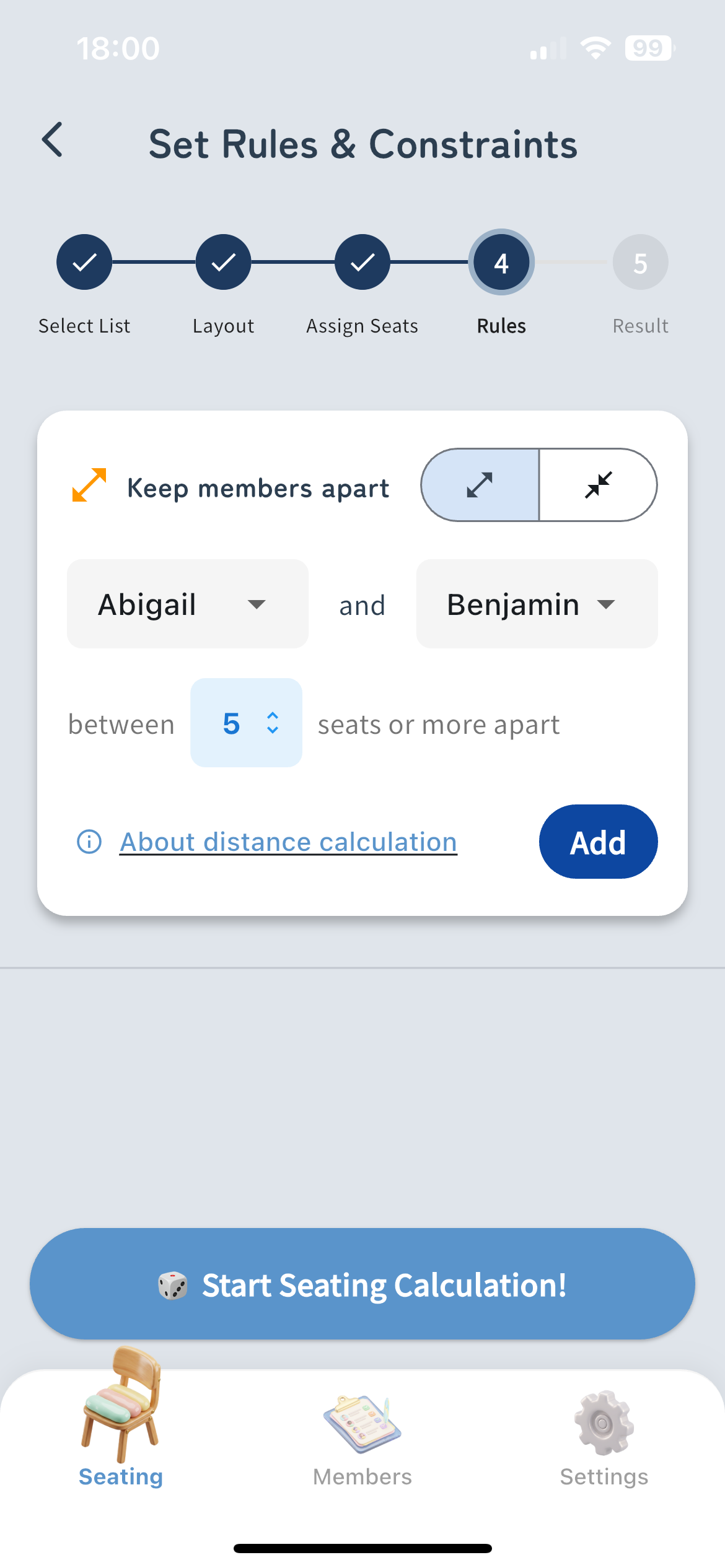
添加规则前的规则设置界面截图
2
指定成员和距离
为规则选择两名成员,并选择让他们“分开”还是“相邻”。对于“分开”,您还可以设置最小距离。
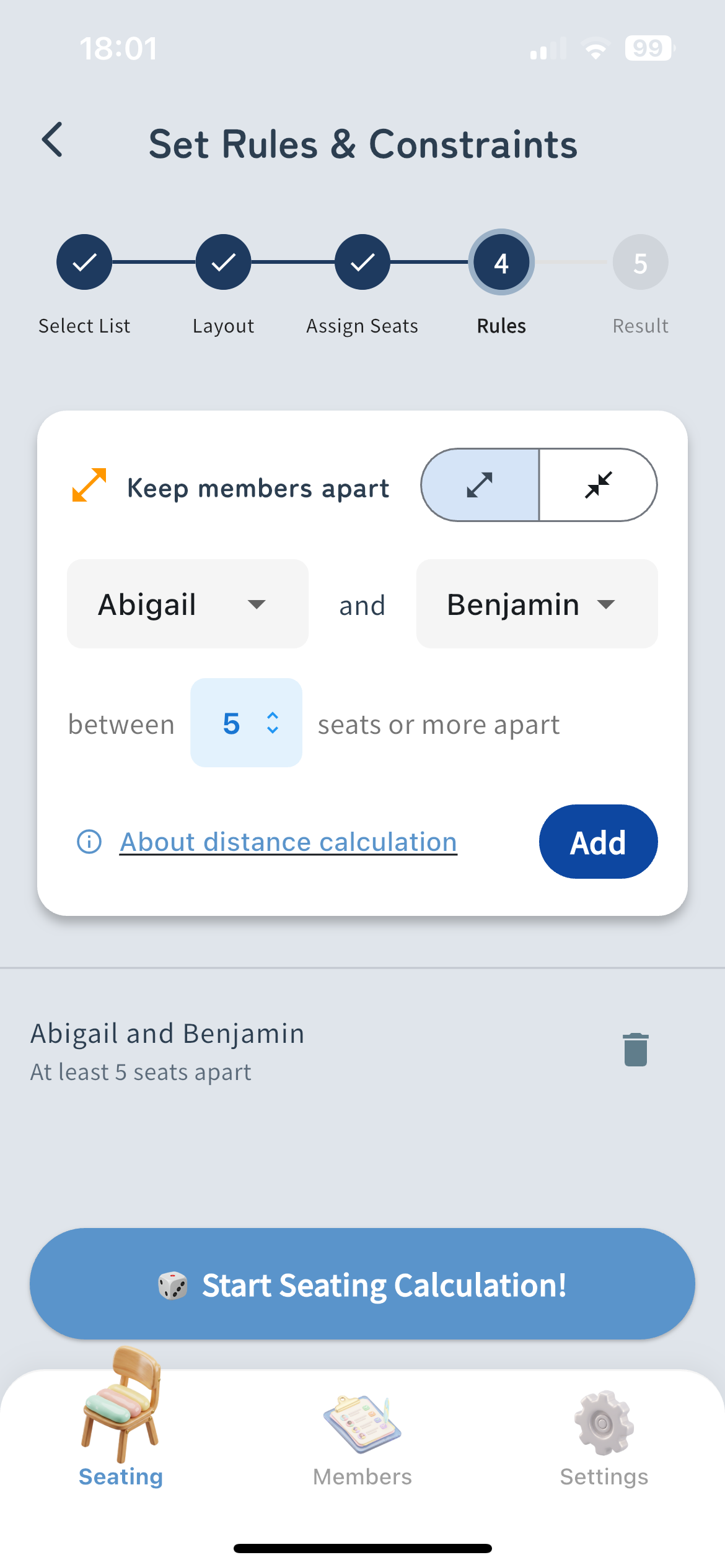
添加规则后的规则设置界面截图
3
开始排座
保存您的规则并点击“开始排座”按钮。系统将根据您的约束条件自动计算最佳的座位安排。
关于距离的计算
About Manhattan Distance (Sum of horizontal and vertical moves)
Diagonal moves are not included in the calculation. The distance is calculated by the sum of moves up, down, left, and right.
Example of Distance 1
Blackboard
A
B
Distance Calculation
Horizontal Distance: 1
Vertical Distance: 0
Total Distance: 1
An immediately adjacent seat (1 square vertically or horizontally) has a distance of 1.
Example of Distance 2
Blackboard
A
B
Distance Calculation
Horizontal Distance: 1
Vertical Distance: 1
Total Distance: 2
A diagonally adjacent seat requires 1 horizontal move + 1 vertical move, resulting in a distance of 2.
Example of Distance 4
Blackboard
A
B
Distance Calculation
Horizontal Distance: 2
Vertical Distance: 2
Total Distance: 4
Moving 2 squares horizontally + 2 squares vertically results in a distance of 4.